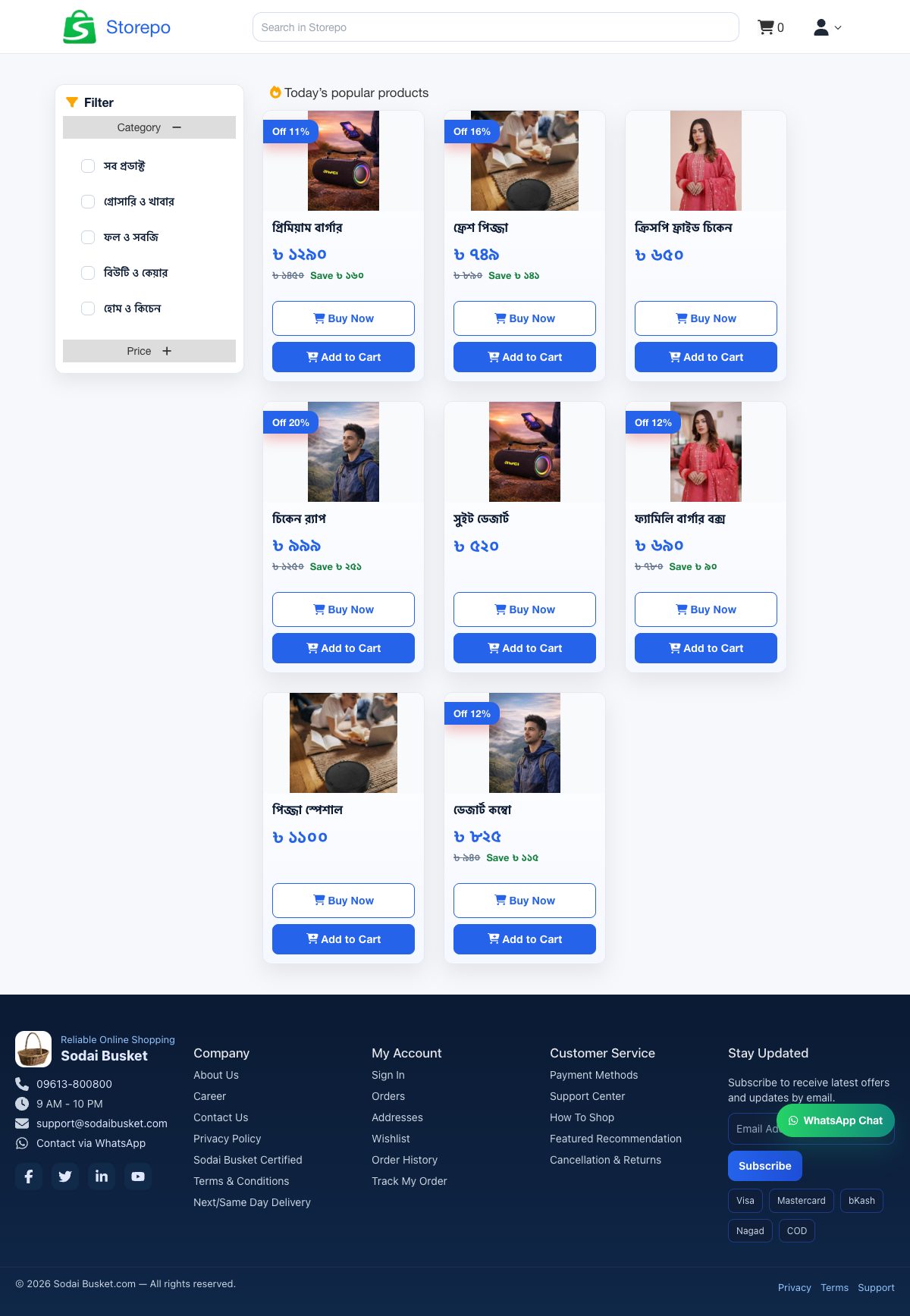
Manage users, products, and orders
Select the storefront style.
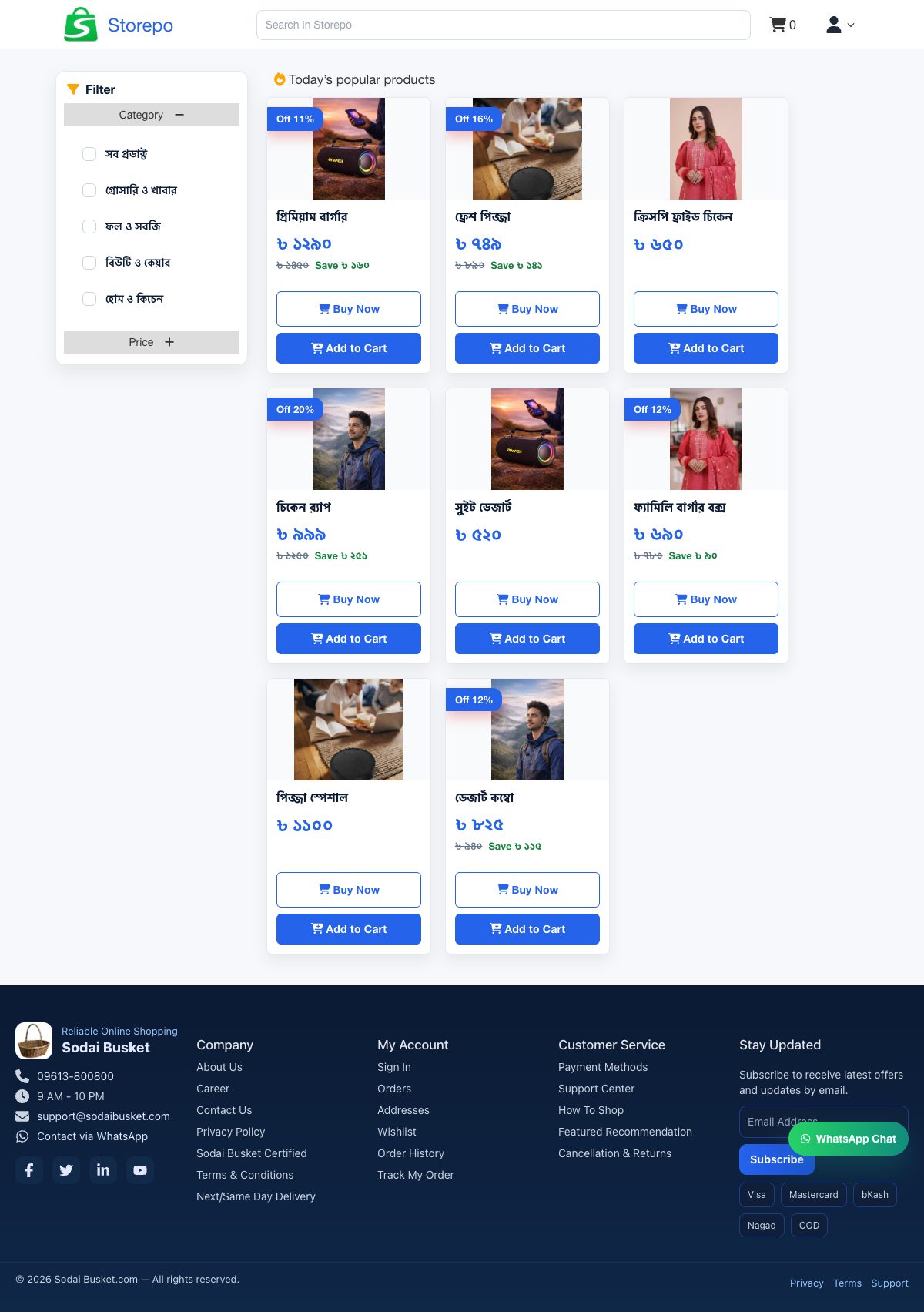
A familiar storefront layout with a stronger top navigation, clear catalogue sections, and a steady ecommerce structure.
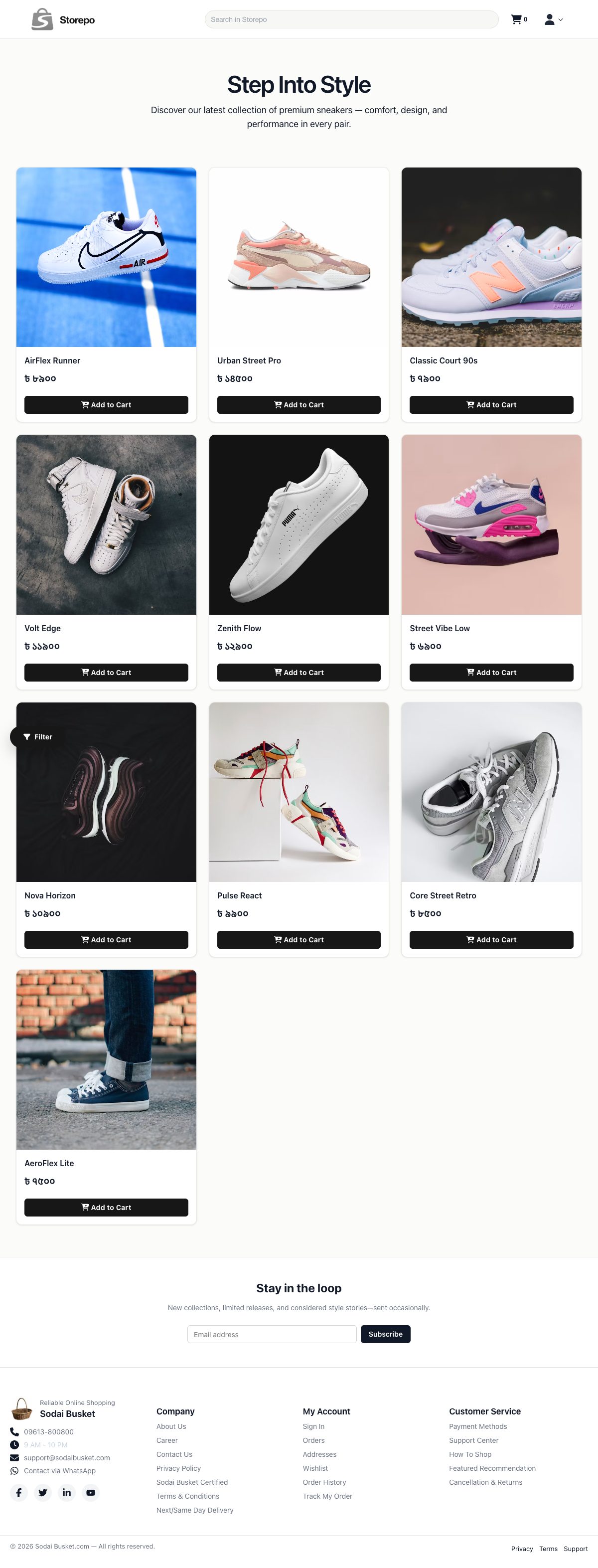
A more visual layout with cleaner surfaces, stronger cards, and a lighter browsing flow for product discovery.
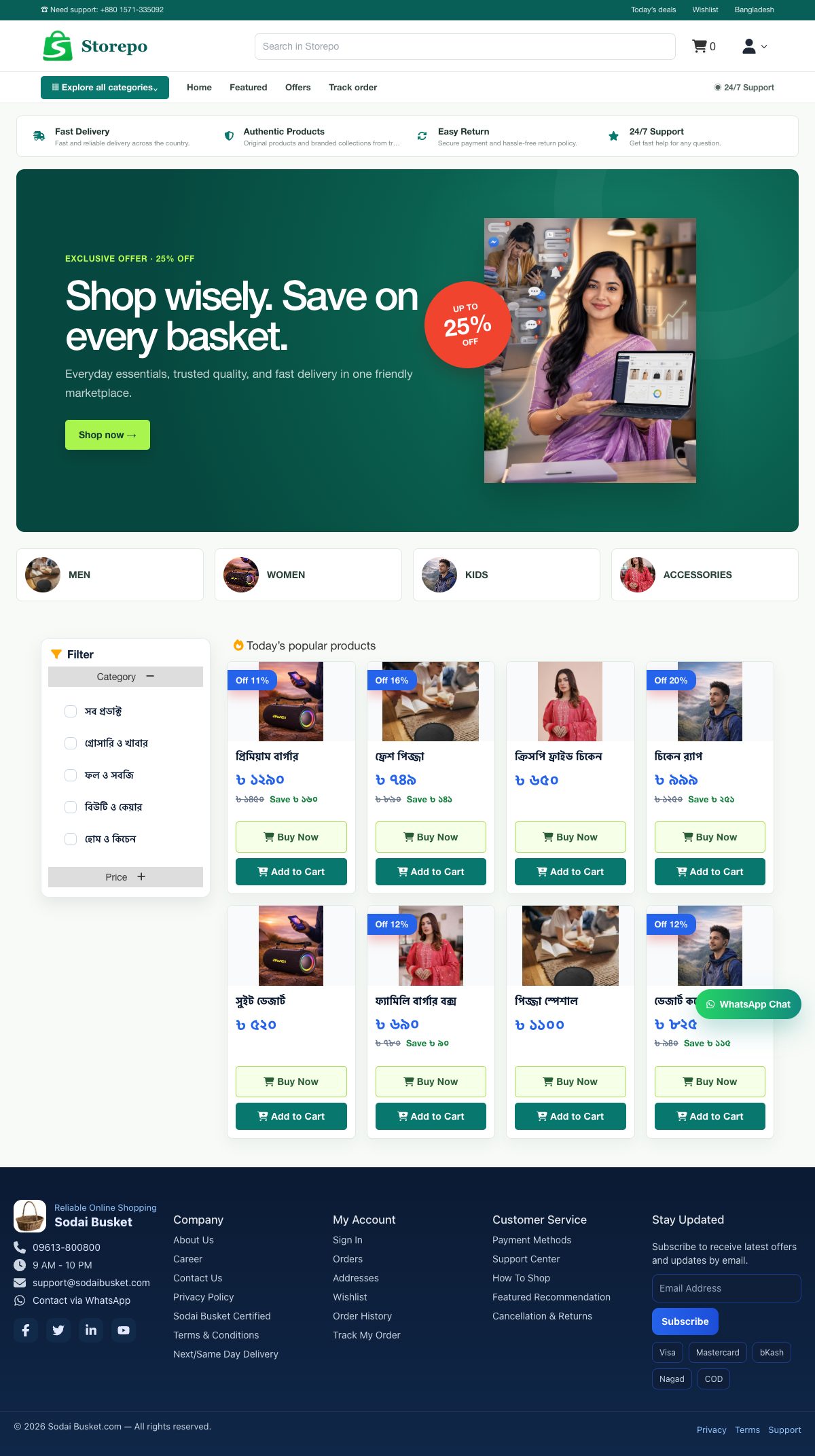
A high-conversion marketplace layout with utility navigation, category discovery, benefit strips, and a bold promotional hero.
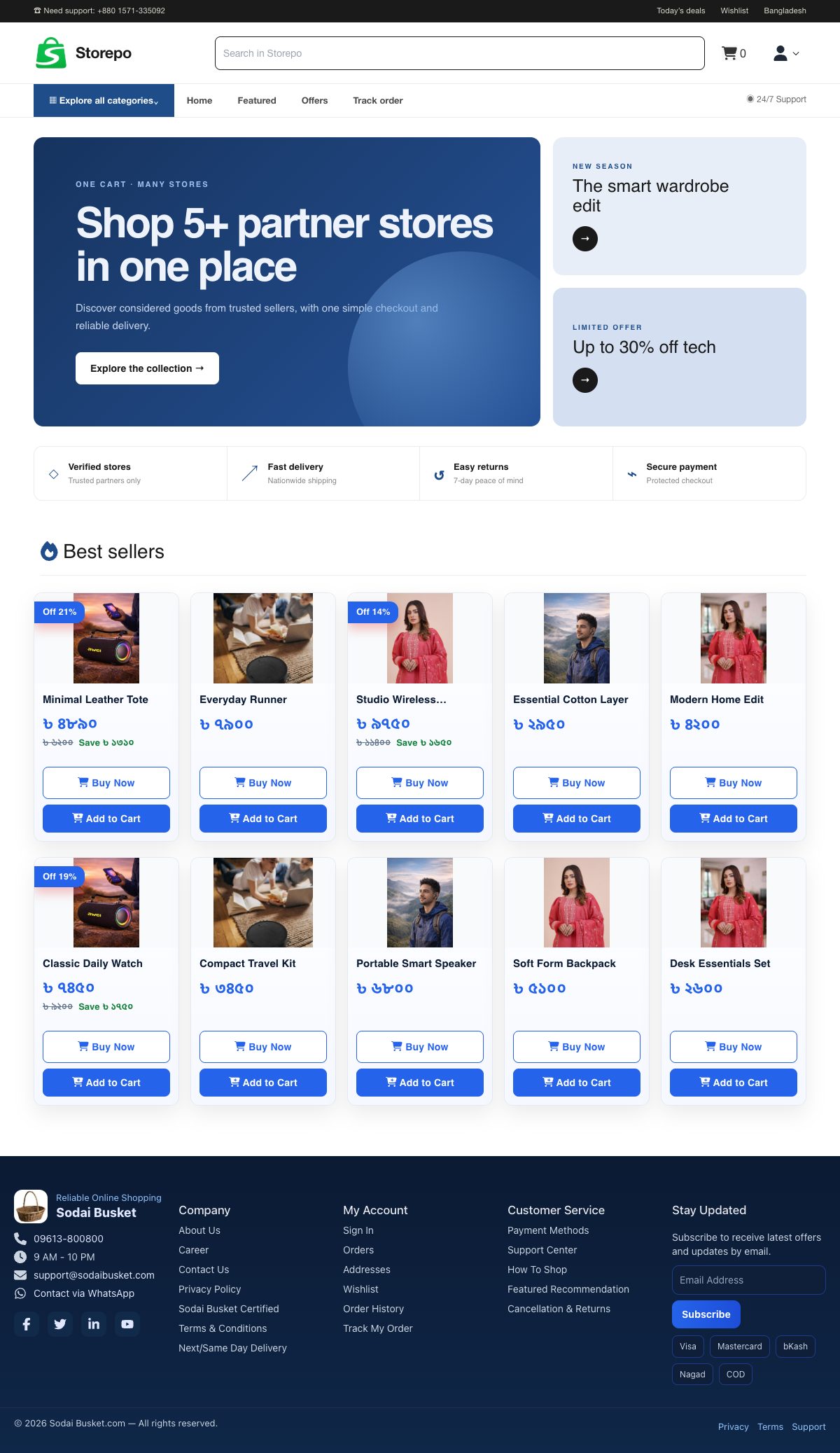
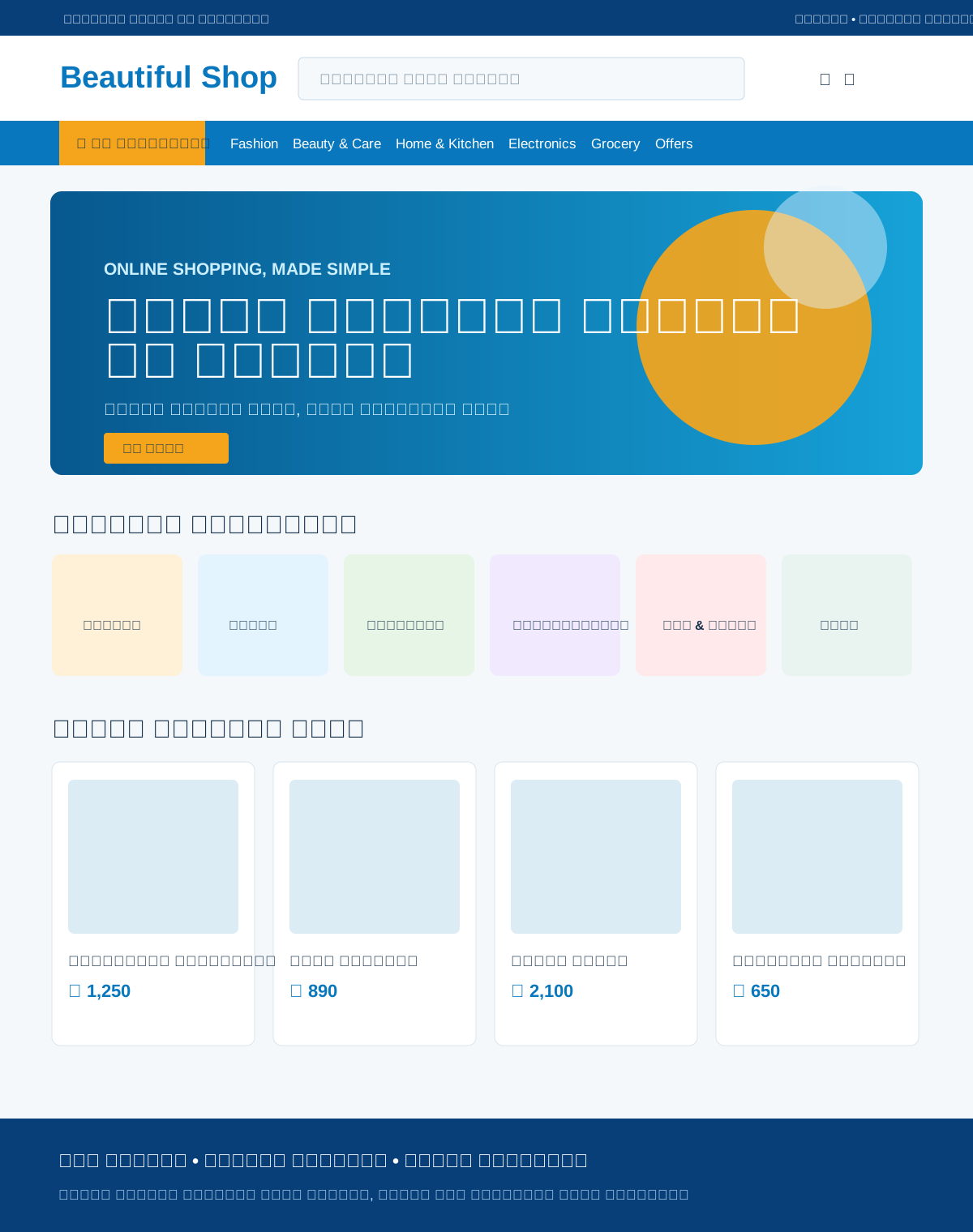
A crisp multi-store marketplace with deep blue accents, compact product discovery, partner-store cues, and editorial promotions.
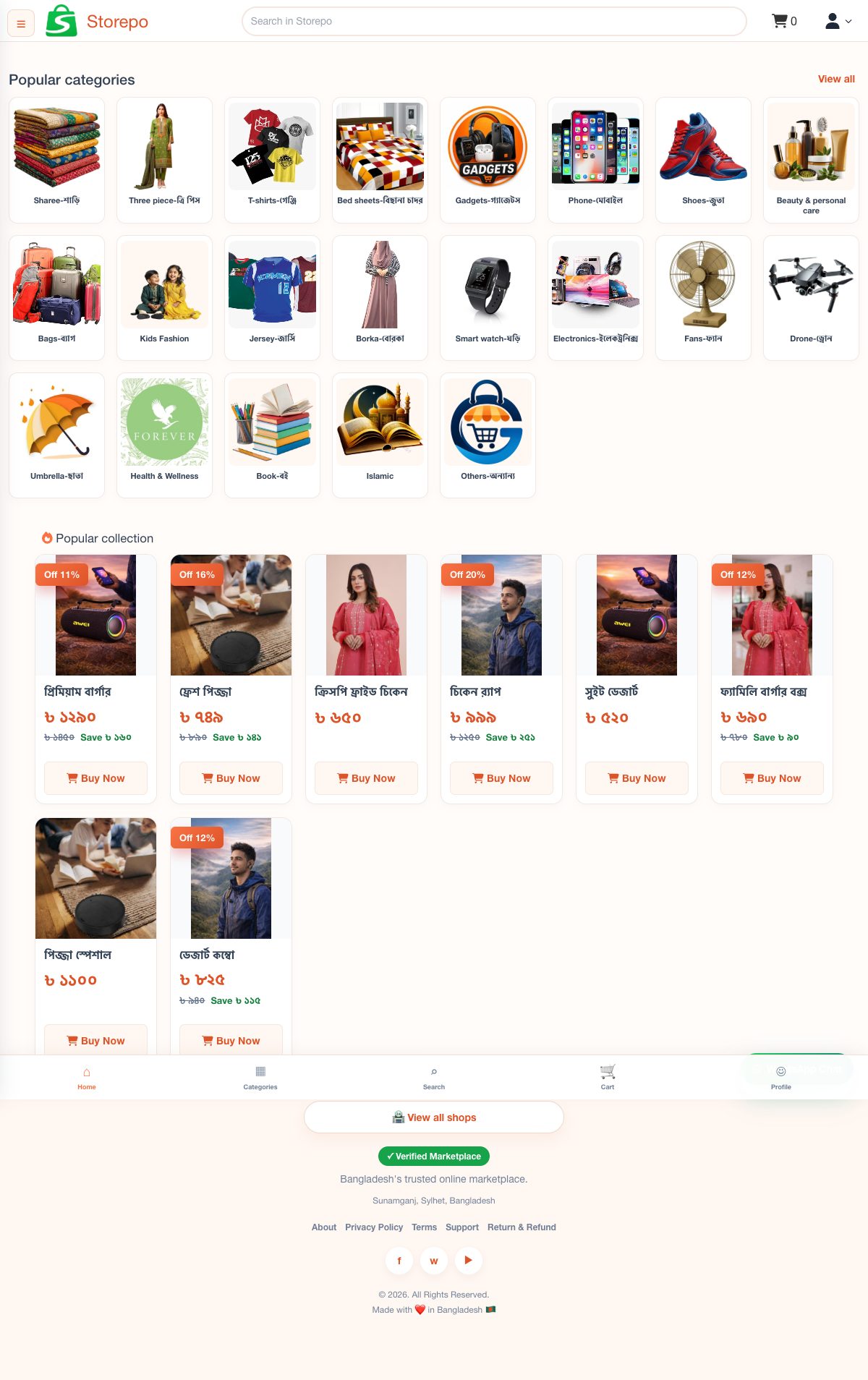
A bright Bengali marketplace with soft orange accents, compact category discovery, and mobile-first product cards.
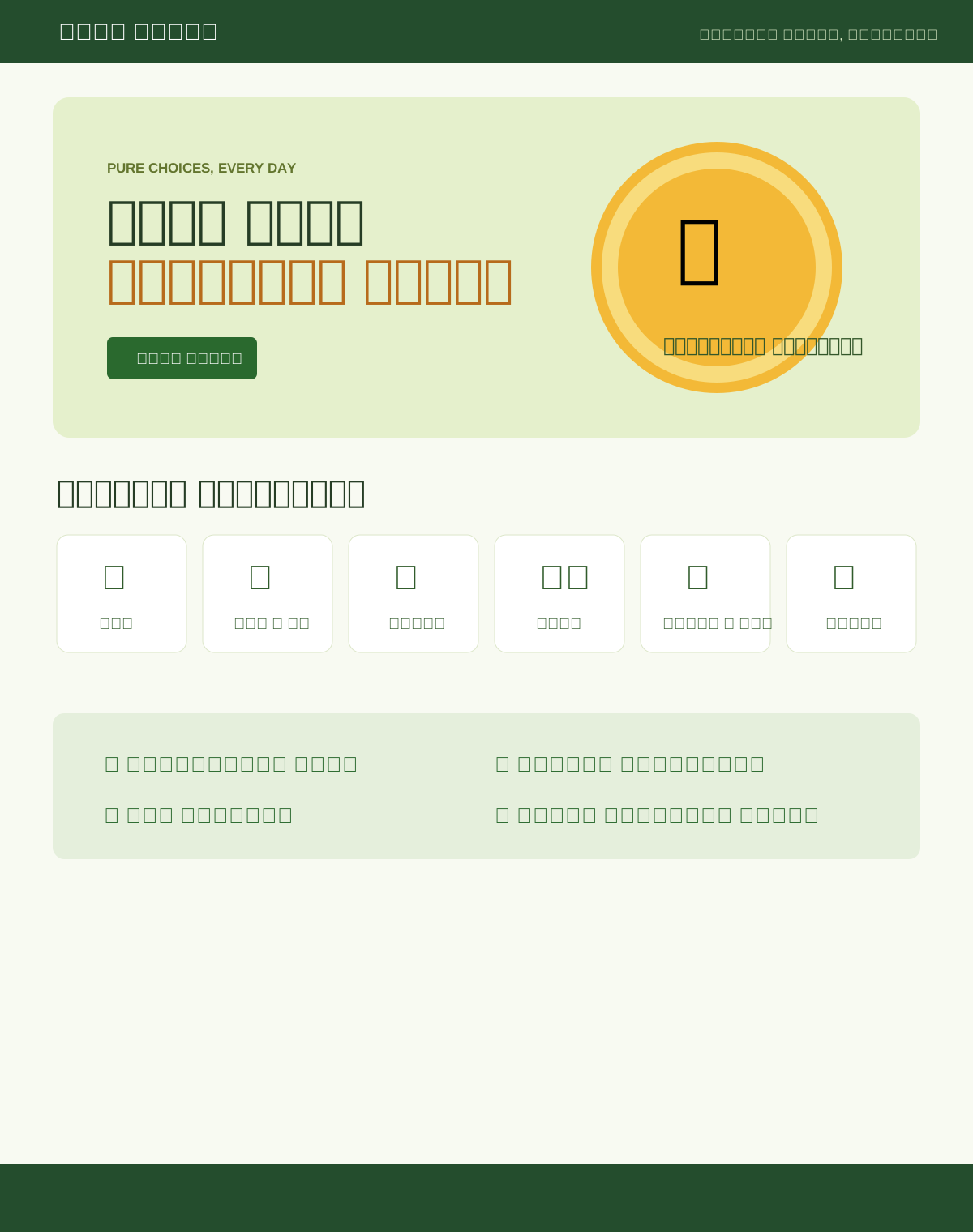
A warm food and restaurant storefront with editorial typography, circular food photography, quick categories, and bold offer-led shopping.
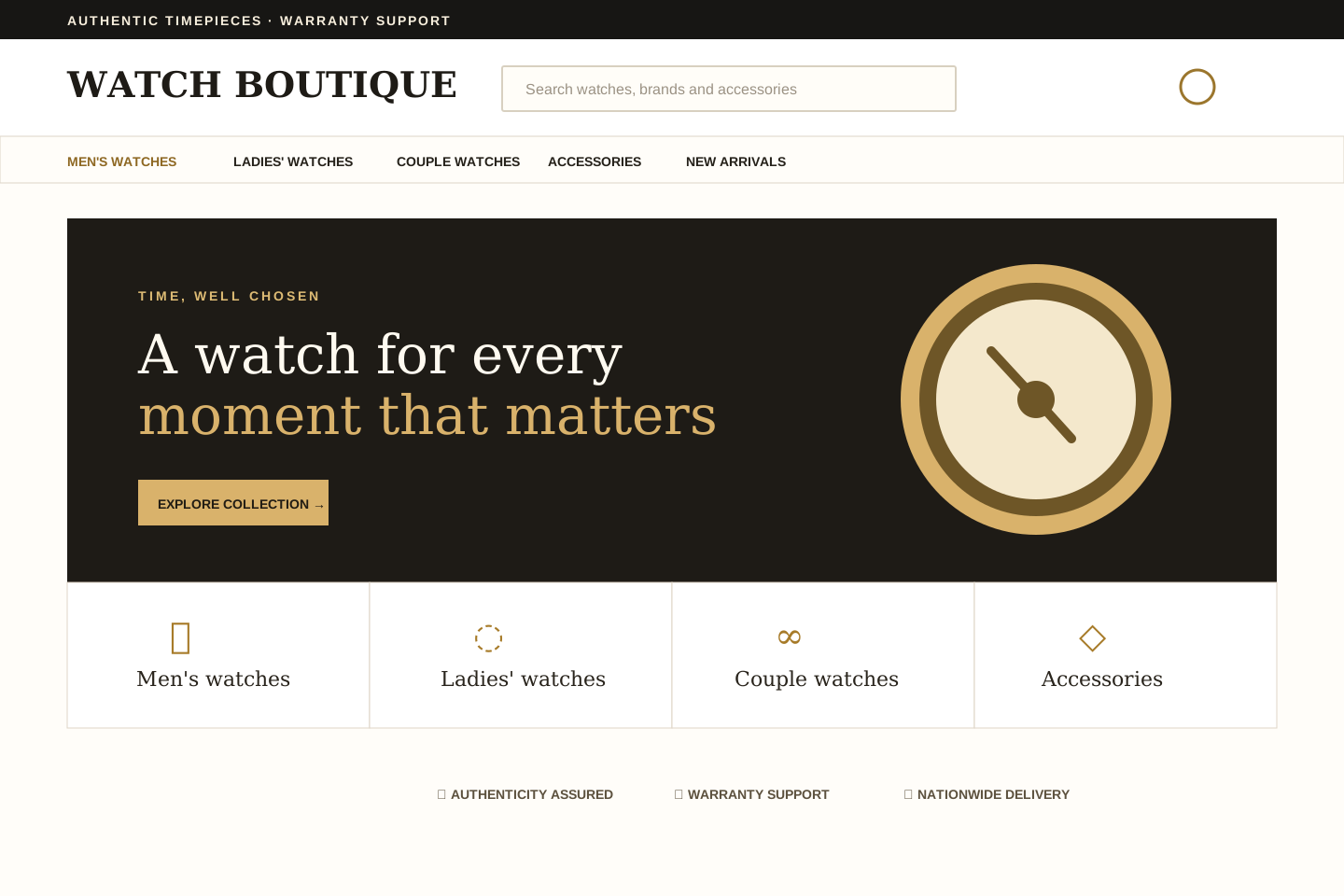
A quiet, editorial fashion storefront with generous spacing, refined product cards, and a focused shopping flow.
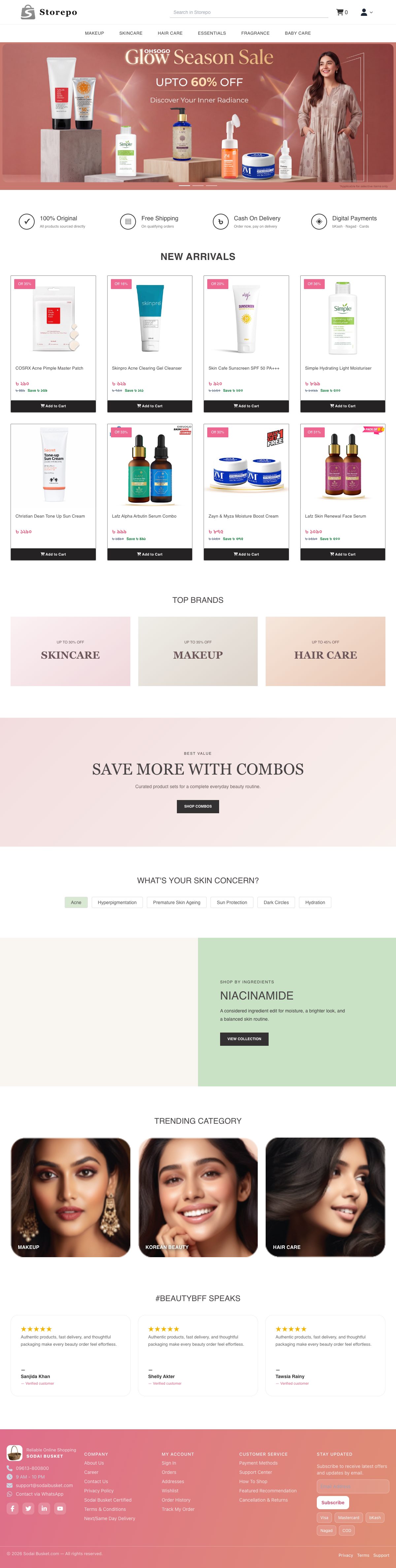
A campaign-led cosmetics storefront with polished product discovery, beauty categories, trust signals, and editorial shopping sections.
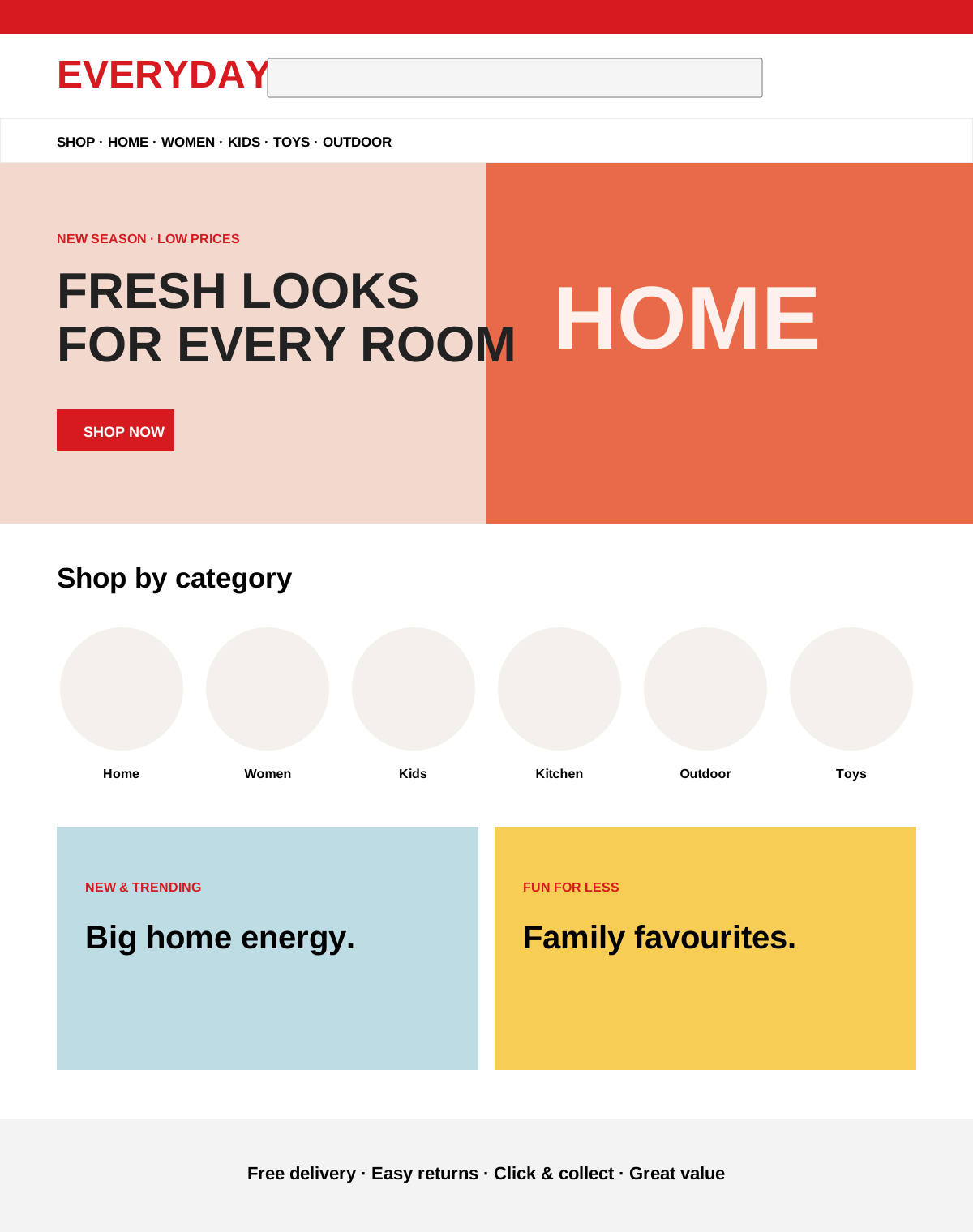
A bold red-and-white department-store theme with promotional tiles, category discovery, and value-led product shopping.
A high-energy electronics marketplace with bold deal banners, compact category rails, member pricing, and dense product discovery.
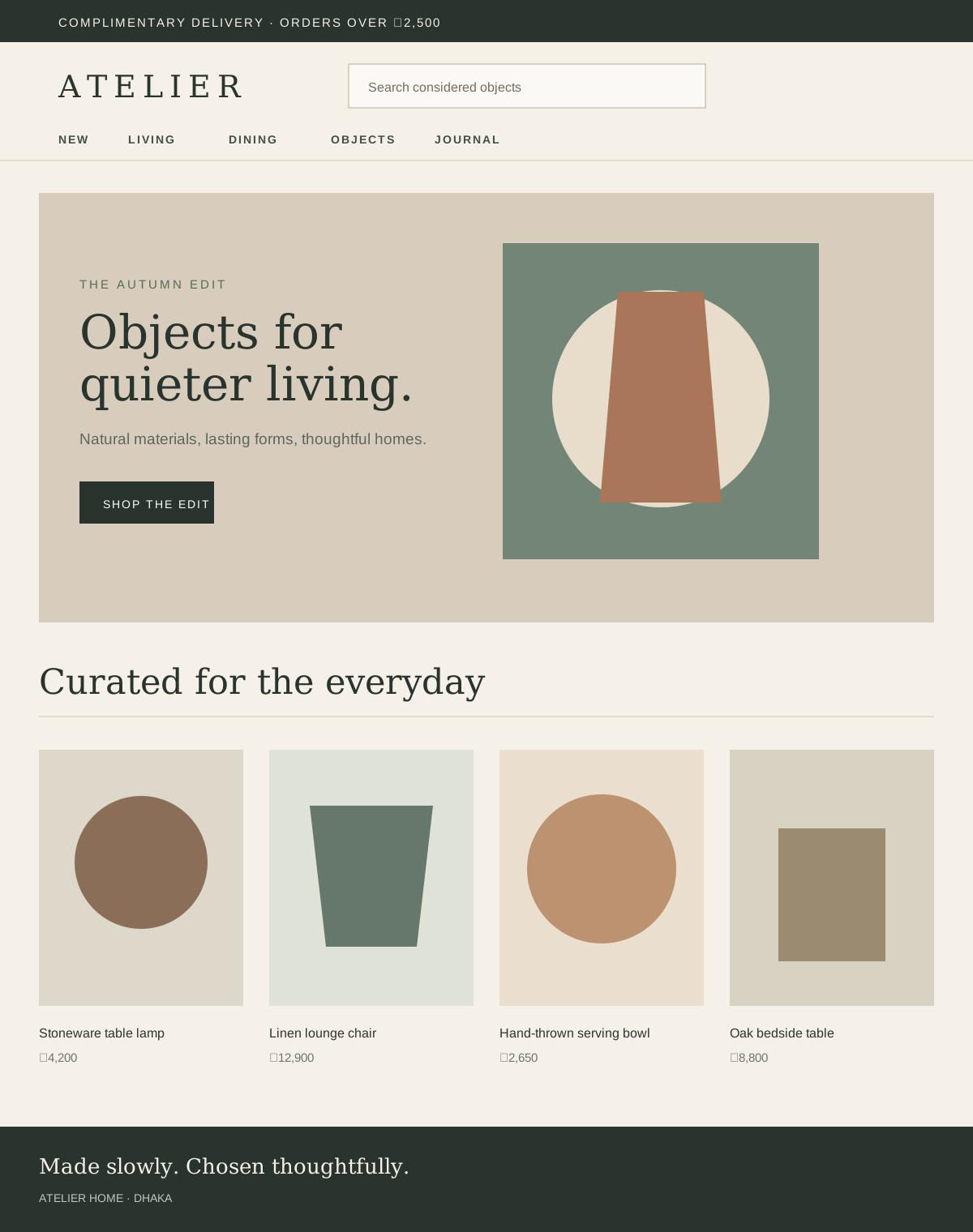
A warm, editorial home and lifestyle storefront with natural tones, gallery-like spacing, and quietly premium product discovery.
A Bengali-first bookstore theme with category-led discovery, compact filters, book-focused cards, and offer-driven shopping.
Select the main brand color direction.
Balanced blue with a clean cyan edge for the default Storepo feel.
Deeper blue palette for a more premium and contrast-heavy storefront.
Lighter blue range for a softer, brighter storefront presence.
Bold blue pairing that pushes calls to action harder.
Preview your selection before saving.